One download. The whole game.
Magic Dekaron carries everything it needs. No original installation, no patcher, no extra packs: download it, unpack it and play.
Magic Dekaron for Windows
The complete client: the game, its content and both looks, Classic and Remastered.
- Platform
- Windows 10 / 11, 64-bit
- Download
- —
- Build
- —
- Install
- Unpack and play
A large file: a stable connection helps.
No account yet?
Your account works on this website and in the game. Create it first, then sign in to the client with it.
Create your accountReady in four steps.
Create your account
Sign up here with an account ID and a password. The same account signs in to the game.
Download and unpack
The download is one
.rararchive. Unpack it anywhere on your PC, for exampleC:\Games\Magic Dekaron, with WinRAR or the free 7-Zip (Windows 11 can also open it: right-click, "Extract All"). Do not start the game from inside the archive. You do not need Dekaron installed.Start the game
Open the unpacked folder and start
MagicDekaron.exe. Windows may say it protected your PC from an unknown app: choose "More info", then "Run anyway". The first start takes a little longer while the game prepares.Sign in and play
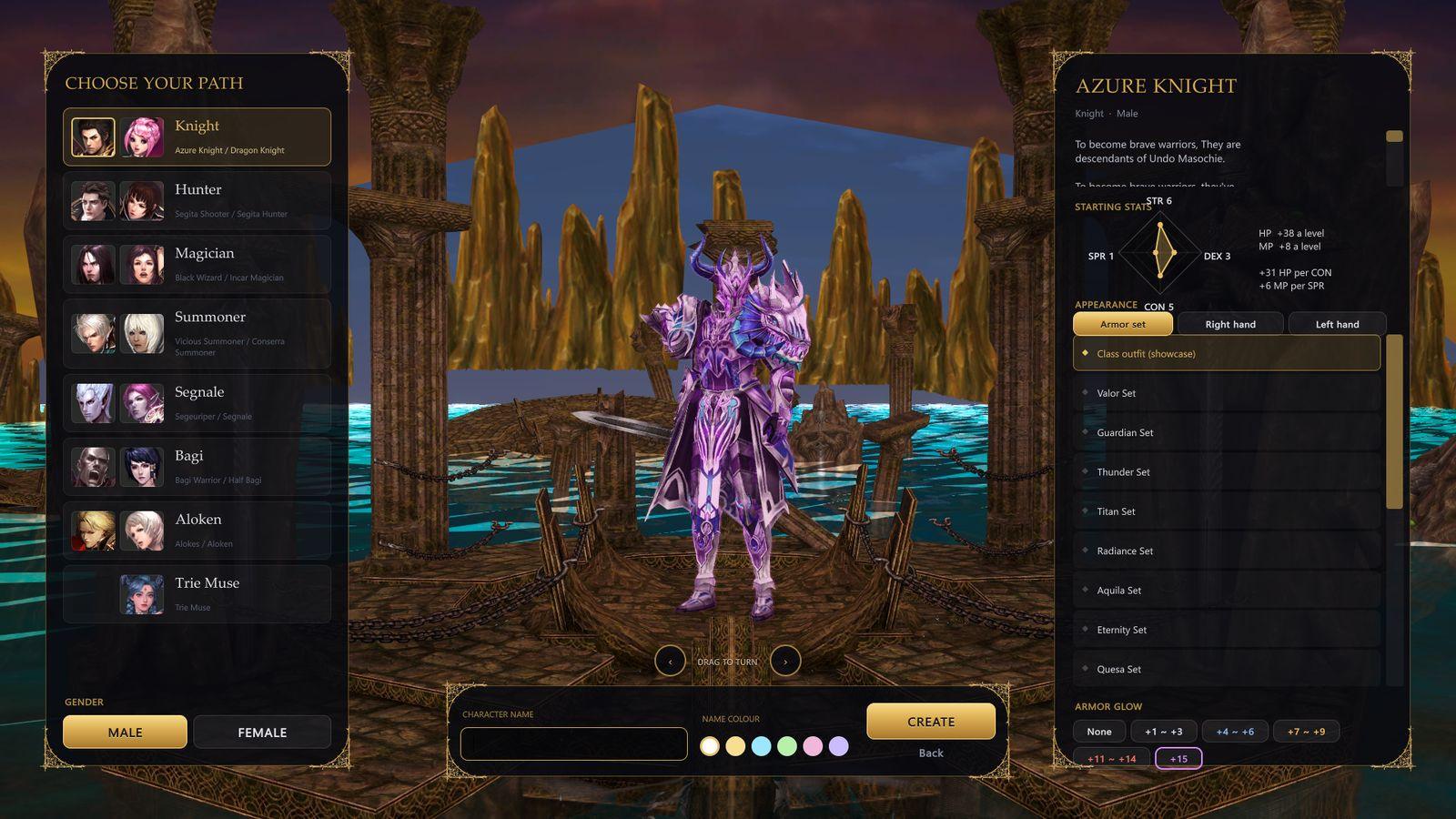
Pick the world, sign in with your account, set your 2nd password if the game asks for one, create your character and press Enter World.
What you need.
| System | Windows 10 or 11, 64-bit. macOS is planned. |
|---|---|
| Graphics | A DirectX 12 graphics card. The remastered look enjoys a recent GPU; the classic look is much lighter. |
| Disk space | About 10 GB for the game, plus room for the download while you unpack it. |
| Internet | Needed to play: everyone shares one world. |
| Account | One free account, created on this site or in the game. |
When a new build arrives.
Download the new archive and replace your old game folder with it. Your characters live on the world server, so nothing is lost.
Each build is announced on Discord, in the community and on the evolution page.
If something does not work.
The game says the server does not answer
The world may be resting: check the status above. If it is online, check your internet connection and that your firewall allows the game.
"This account is already signed in"
The world allows one game at a time per account. Close every game window, wait one minute, then sign in again. Being signed in on this website does not count.
I forgot my 2nd password
After five wrong tries the 2nd password locks. Ask the team on Discord or in the community to unlock it; never post your passwords anywhere.
The frame rate is low
Type /graphics classic in chat for the lighter original look, and check /fps for the frame limit and VSync. Options in game hold the quality settings.
Where can I ask for help?
Ask the team and other players on our Discord, or post in the community. Never share your passwords there.
Windows will not start the game
Make sure you unpacked the whole download first, then start MagicDekaron.exe in the unpacked folder. If Windows blocks it, choose "More info" and "Run anyway".